AI generation
Multi-Image AI Fusion: How to Combine People, Products, and Style References
Learn how to assign a job to every reference image, prevent subject drift, match light and perspective, and build one coherent final composition.
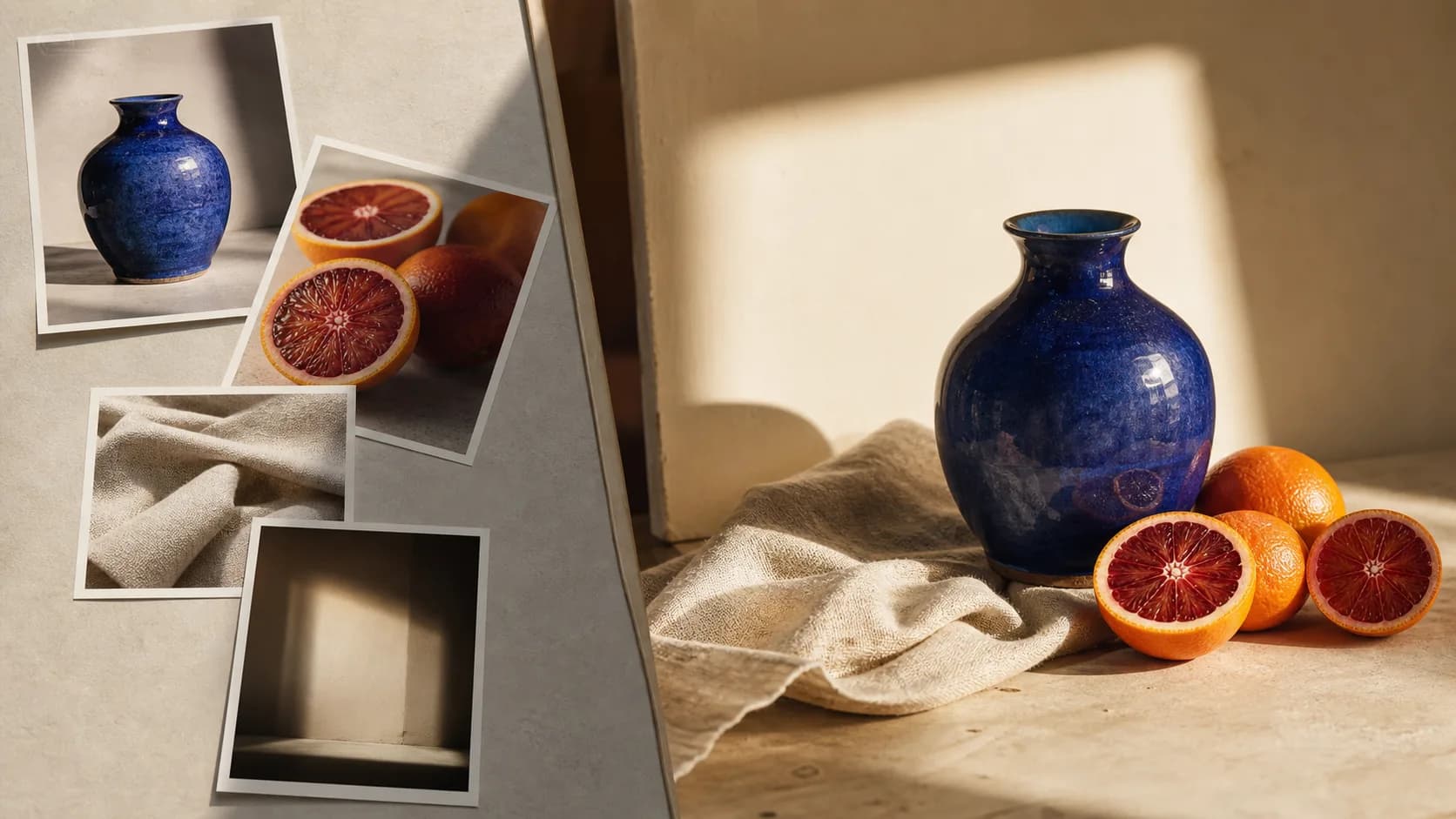
Multi-image fusion works best when references are treated as ingredients with defined jobs—not as a mood board the model must decipher. Decide which image controls identity, which controls the product, which supplies style, and which provides the base composition before you write the prompt.
Give every reference image one role
Number references in upload order and assign each a primary responsibility. The model can then resolve conflicts instead of averaging every image together.
Swipe horizontally to see all columns →
| Reference role | What it should control | What it should not control |
|---|---|---|
| Base scene | Camera, composition, perspective, environment | Identity details from inserted subjects |
| Identity reference | Face, hair, body proportions, distinctive features | Background and camera framing unless requested |
| Product reference | Shape, material, label, color, construction | Scene lighting when it conflicts with the base |
| Style reference | Palette, texture, contrast, rendering language | Exact objects or composition |
| Lighting reference | Direction, softness, temperature, shadow character | Subject identity or product geometry |
Prepare references that can coexist
References do not need identical cameras, but large differences create more work. A front-facing product, a top-down table, and a low-angle room may not combine naturally unless the prompt defines a new target viewpoint.
- Use the clearest, highest-resolution view for identity and product-critical details.
- Avoid several references that show contradictory versions of the same subject.
- Choose references with compatible perspective when exact geometry matters.
- Crop references so the important subject is easy to identify, but do not cut off essential edges.
- Remove irrelevant screenshots, borders, captions, and UI before upload.
- Arrange uploads in the same order used by the prompt: Image 1, Image 2, and so on.
Structure a multi-image fusion prompt
A strong prompt has four parts: reference roles, final composition, integration rules, and protected details.
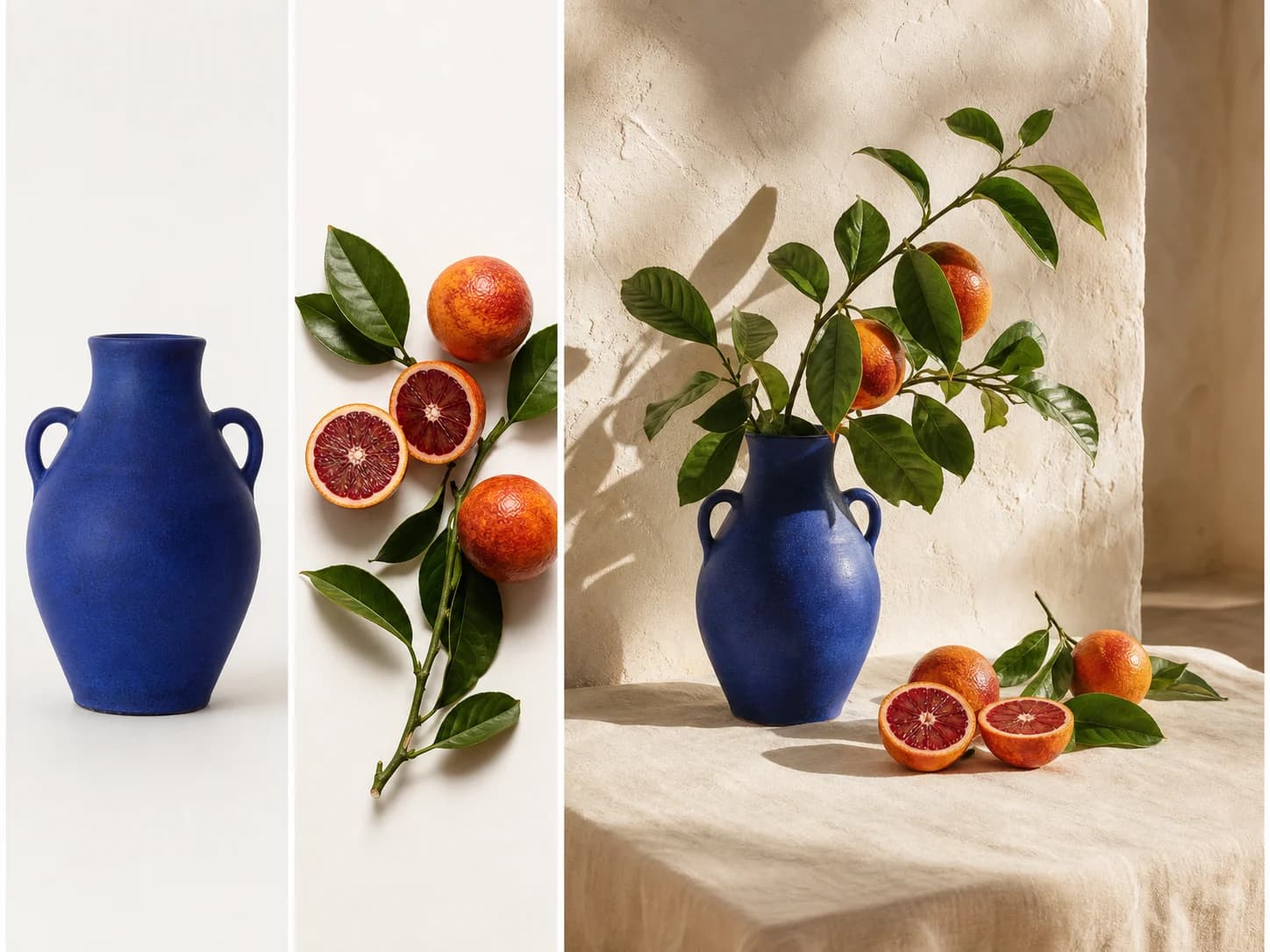
Common fusion scenarios and how to prompt them
Swipe horizontally to see all columns →
| Scenario | Reference plan | Most important constraint |
|---|---|---|
| Person in a new location | Base environment + identity/wardrobe reference | Preserve identity while matching scene light, scale, and perspective |
| Product campaign scene | Product + composition + material/palette references | Preserve product geometry, label, and material exactly |
| Consistent character series | Identity anchor + new scene + wardrobe or pose | Lock face, body proportions, hair, and recurring design details |
| Interior concept | Base room + furniture + material reference | Preserve room structure, windows, perspective, and circulation |
| Style transfer | Subject/base image + one style reference | Use style only; do not copy subjects or layout from the style image |
Example: product plus art direction
Failure modes and targeted corrections
Swipe horizontally to see all columns →
| Failure | Why it happens | Correction |
|---|---|---|
| Faces or products become averaged | Several references compete for identity | Name one identity/product anchor and demote other images to style or lighting only |
| Composition feels like a collage | Lighting, scale, or perspective were not unified | Match the base scene’s camera, depth of field, contact shadows, and color temperature |
| Style reference adds unwanted objects | Its role was not limited | State “use only palette and texture; copy no objects or layout” |
| Small details disappear | Too many references or goals dilute attention | Reduce the reference set and prioritize the critical details by name |
| Duplicate people or products appear | The model interprets multiple views as multiple subjects | Clarify that all views represent one single subject or product |
When a result fails, remove references before adding more. The smallest set that fully describes identity, composition, and style is usually the most controllable.
Frequently asked questions
How many reference images should I use?
Does upload order matter?
How do I preserve a product label?
Why does the result copy objects from my style reference?
Which Pixmage models support multiple input images?
Put the workflow into practice
Start with your own image
Upload an image, review the exact credit cost before processing, and compare the result at full size before downloading.
Start a multi-image fusion