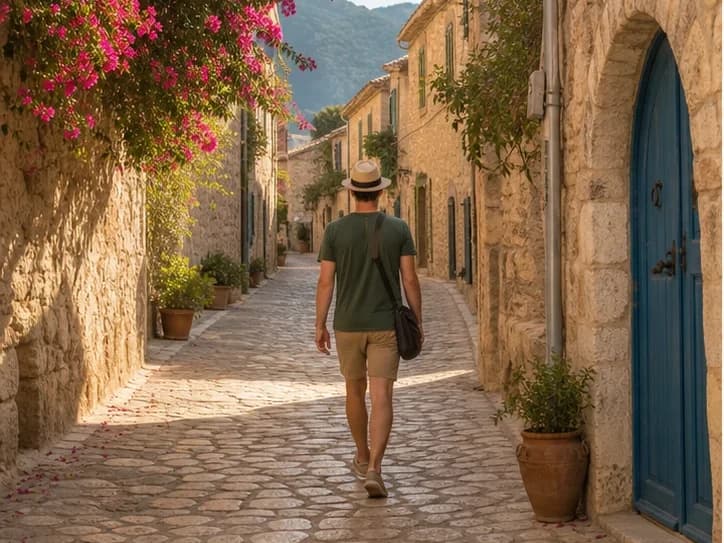
Erase photobombers, tourists, or crowds from travel and event shots. Pixmage rebuilds the background behind removed figures.
BeforeAfter
Example · Before / after
AI cleanup examples
Remove the distraction, keep the details that make the image work
Compare common cleanup workflows below. Pixmage is designed to preserve the subject, composition, lighting, and surrounding texture while reconstructing only the area that needs attention.
BeforeAfter
Person removalRelevant to this tool
Rebuild the scene behind a distraction
Remove a photobomber or passerby and reconstruct architecture, ground texture, perspective, and shadows.
BeforeAfter
Background removal
Create a clean product cutout
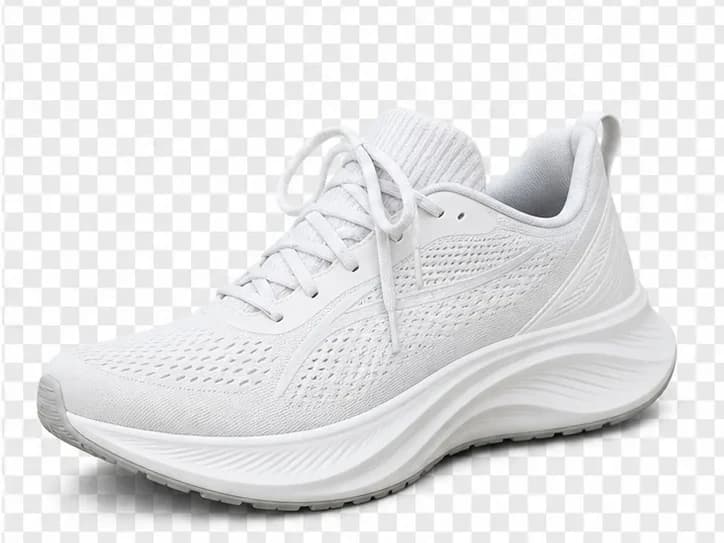
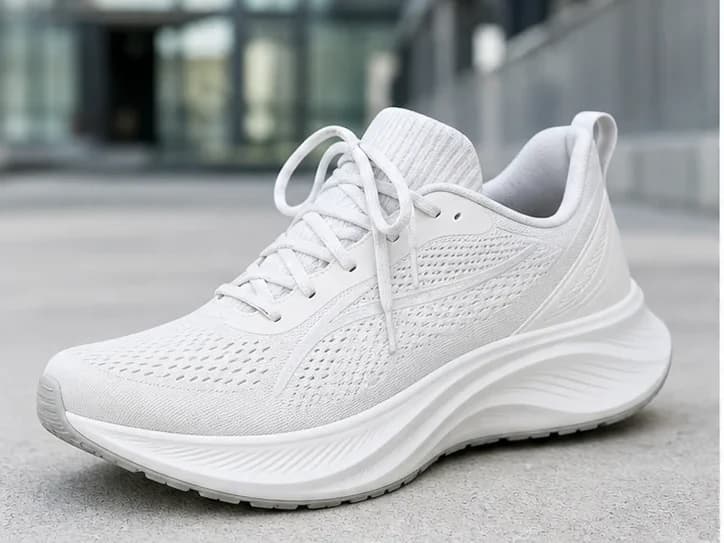
Separate a product from a busy scene while preserving its shape, texture, laces, and fine edges.
BeforeAfter
Text and logo removal
Clean up authorized product artwork
Erase a printed mark while keeping packaging folds, highlights, material texture, and the surrounding set intact.
BeforeAfter
Watermark removal
Recover detail beneath an overlay
Remove a translucent overlay from content you own or are licensed to edit, then reconstruct the hidden detail naturally.
How it works
4 steps from start to download.
Step 1Upload your photoLandscapes and street scenes work especially well.
Step 2Start people removalAI identifies human figures and inpaints the scene.
Step 3Review the sceneCheck shadows and perspective on architectural backgrounds.
Step 4DownloadShare a cleaner version of your shot.
FAQ
Can it remove multiple people?Yes, though very crowded scenes are harder and may need multiple passes.
Why does this tool cost 2 credits?People removal uses a heavier model because backgrounds must be reconstructed convincingly.
Will the main subject be removed?The tool targets extra people in the scene. For portraits, crop to the subject first if needed.