Transparent AI video generation

Turn your words or image into a video — with the model and price in plain sight.

Choose Kling 3 Standard or Pro, see exactly what resolution and provider you are paying for, and review the final credit charge before generation starts.

Image & text to video Optional native audio Failed jobs refunded
JPG, PNG, WebP · max 15MB
JPEG, PNG, WebP, GIF, HEIC · max 15MB
169/2500
Duration

Output shape follows the uploaded start frame.

Provider cost est. $0.42 Kling 3 Standard · 720p Audio off

Real model examples

See the motion, detail, and camera control before you spend credits

Every clip below is a playable Kling 3 model sample. The model and settings are labeled, and each example includes a Pixmage preset with its exact credit price.

Kling 3 Standard720p

Text to video

Kling 3 model sample

Move through a cinematic world from one prompt

Camera direction, atmosphere, lighting, and scale work together to turn a written scene into a continuous shot.

Example prompt

Cinematic drone shot flying through ancient stone ruins covered in moss and vines at golden hour. Camera starts low, rises through crumbling archways, revealing a vast misty valley beyond. Volumetric light rays pierce through gaps in the stone. Epic scale, photorealistic, 8K quality.

Kling 3 StandardText to videoPixmage preset: 5s Audio off25 credits
Kling 3 Standard720p
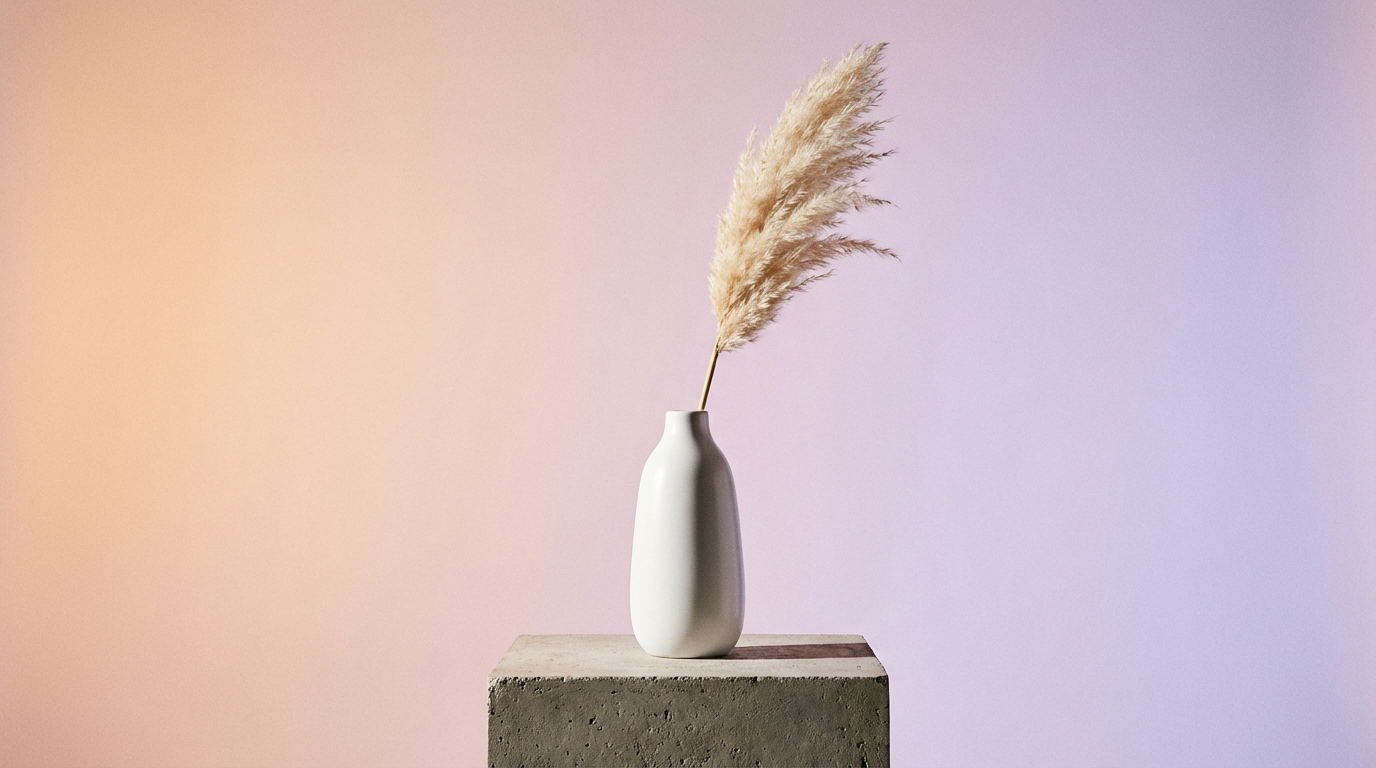
Ceramic vase start frame used in the official Kling 3 Standard image-to-video example
Start frame

Image to video

Kling 3 model sample

Turn one product image into a polished motion shot

Use a still frame as the visual anchor, then describe the camera path, subject motion, and light changes you want.

Example prompt

Camera slowly orbits around the vase. Soft light shifts across the ceramic surface. The pampas grass sways gently. Shadows move elegantly. Smooth continuous motion, premium feel.

Kling 3 StandardImage to videoPixmage preset: 5s Audio off25 credits

The prompt and settings will load; add your own start frame before generating.

Kling 3 Pro1080p

Higher-detail video

Kling 3 model sample

Keep delicate light and motion clear in a final-quality shot

Pro output is designed for hero scenes where fine particles, depth, atmosphere, and higher-resolution detail matter.

Example prompt

Close-up of glowing fireflies dancing in a dark forest at twilight. Soft bioluminescent particles float through the air. Shallow depth of field, bokeh lights in background. Magical atmosphere, gentle movement.

Kling 3 ProText to videoPixmage preset: 5s Audio off30 credits

No mystery model

Compare the actual video models before spending credits

Each option exposes the provider, resolution, list-price basis, and Pixmage credit charge. Change a setting and the total updates immediately.

Kling 3 Standard

720p

Fast cinematic video with optional native audio. Social posts, concepts, and fast iterations.

5s, no audio
25 credits
5s, with audio
35 credits
10s, no audio
45 credits
10s, with audio
65 credits

Kling 3 Pro

1080p

Higher-detail cinematic output with optional native audio. Campaigns, hero shots, and final-quality exports.

5s, no audio
30 credits
5s, with audio
45 credits
10s, no audio
60 credits
10s, with audio
85 credits

Simple workflow

How to make an AI video

Start with the creative input, then make an informed model choice. The charge is visible before any credits are reserved.

  1. Step 1

    Add your starting point

    Upload a start frame or switch to text-to-video and begin from a prompt.

  2. Step 2

    Choose model and settings

    Compare Standard and Pro, then set duration, ratio, and native audio.

  3. Step 3

    Review cost and generate

    Confirm the exact credit charge. A failed processing job is automatically refunded.

AI video generator FAQ

Models, pricing, input types, and refunds—without the fine print hunt.

Which AI video models does Pixmage use?

The first release offers Kling 3 Standard at 720p and Kling 3 Pro at 1080p. The selected model, resolution, settings, and price are shown before every generation.

How many credits does an AI video cost?

A 5-second Kling 3 Standard video starts at 25 credits without audio. Pro, longer duration, and native audio cost more. The final charge updates before you click Generate.

Can I turn an image into a video?

Yes. Image to video is the default mode: upload a start frame, describe the movement and camera direction, then choose the model, duration, aspect ratio, and audio setting.

What happens if video generation fails?

Credits are reserved before processing. If the provider, transfer, storage, or finalization step fails, Pixmage automatically refunds the reserved credits.